Inventory for Shopify stores.
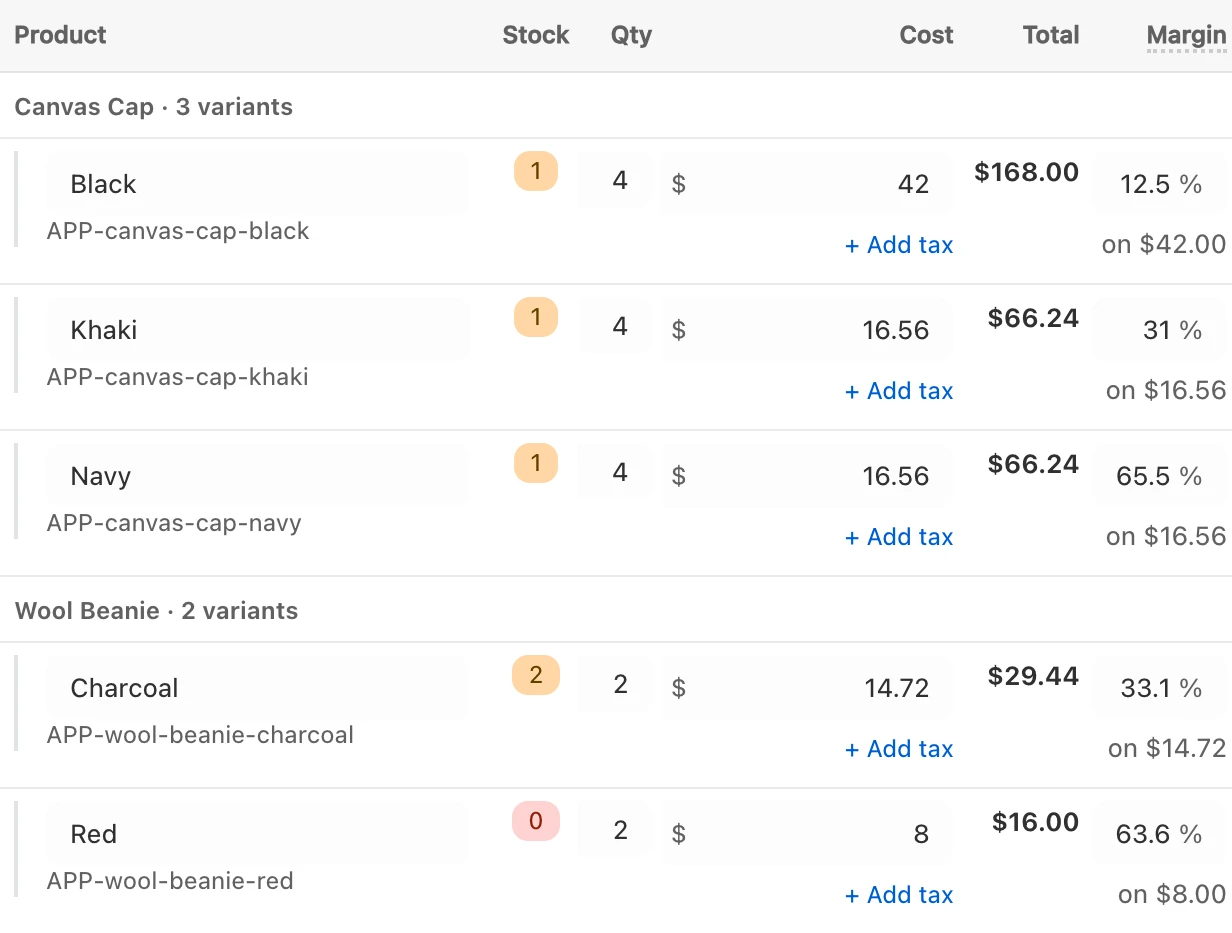
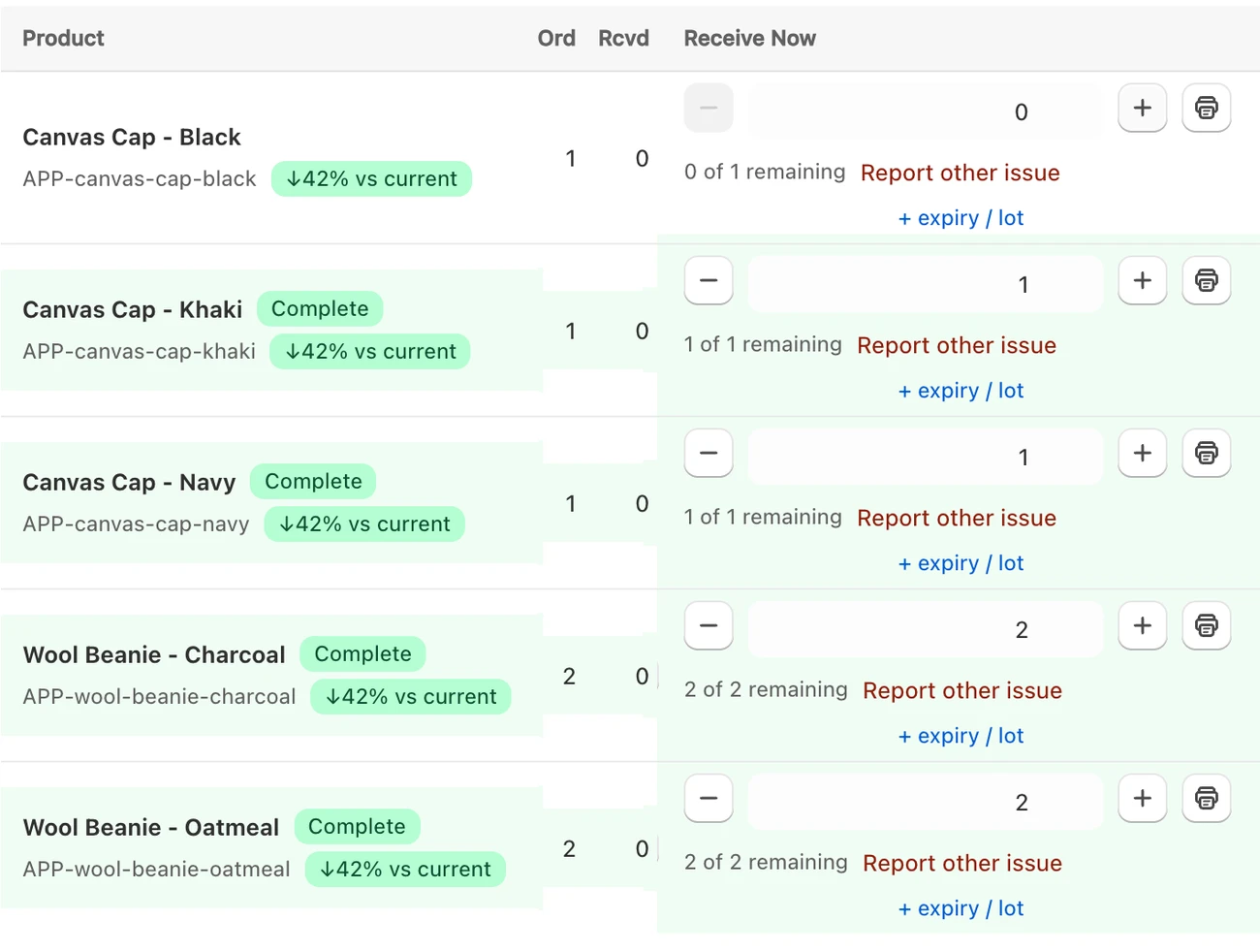
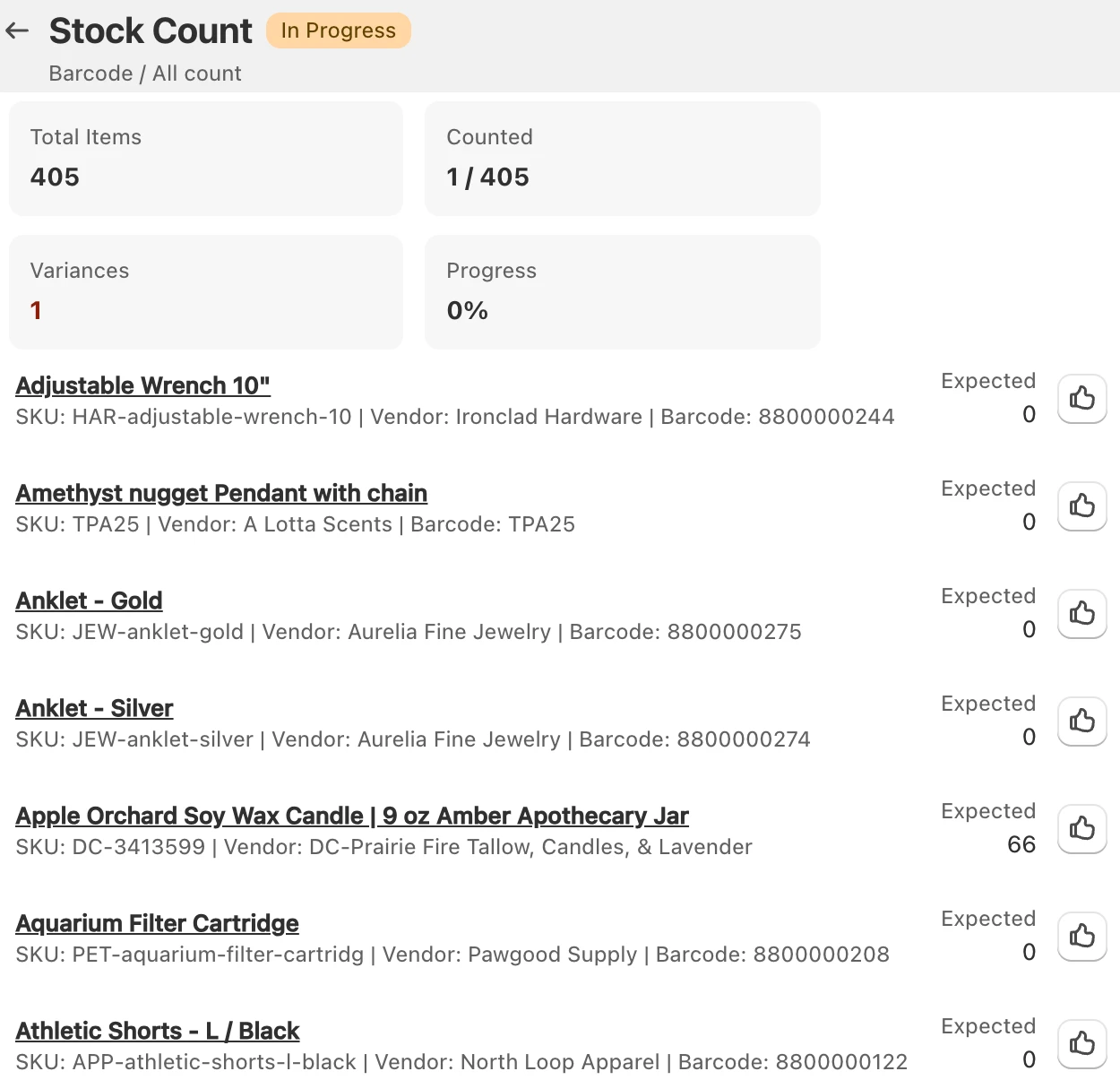
Order from your suppliers. Check in what arrives. Count your stock.

See GoStock in 2 minutes.
Real screens. Ordering, checking in a delivery, tags, counts and reports.
Everything else you need.
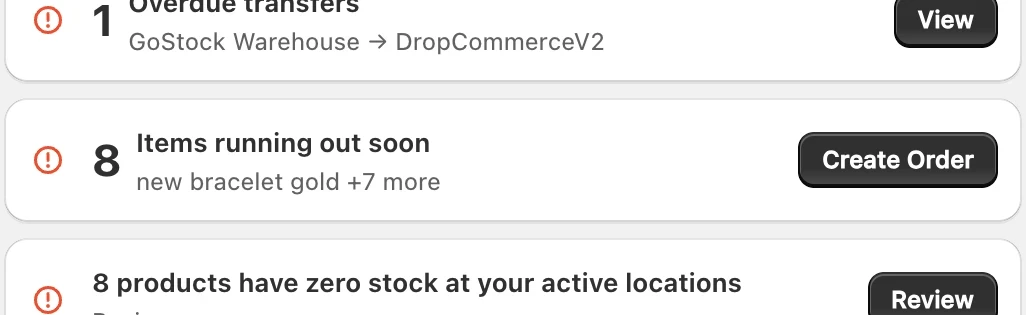
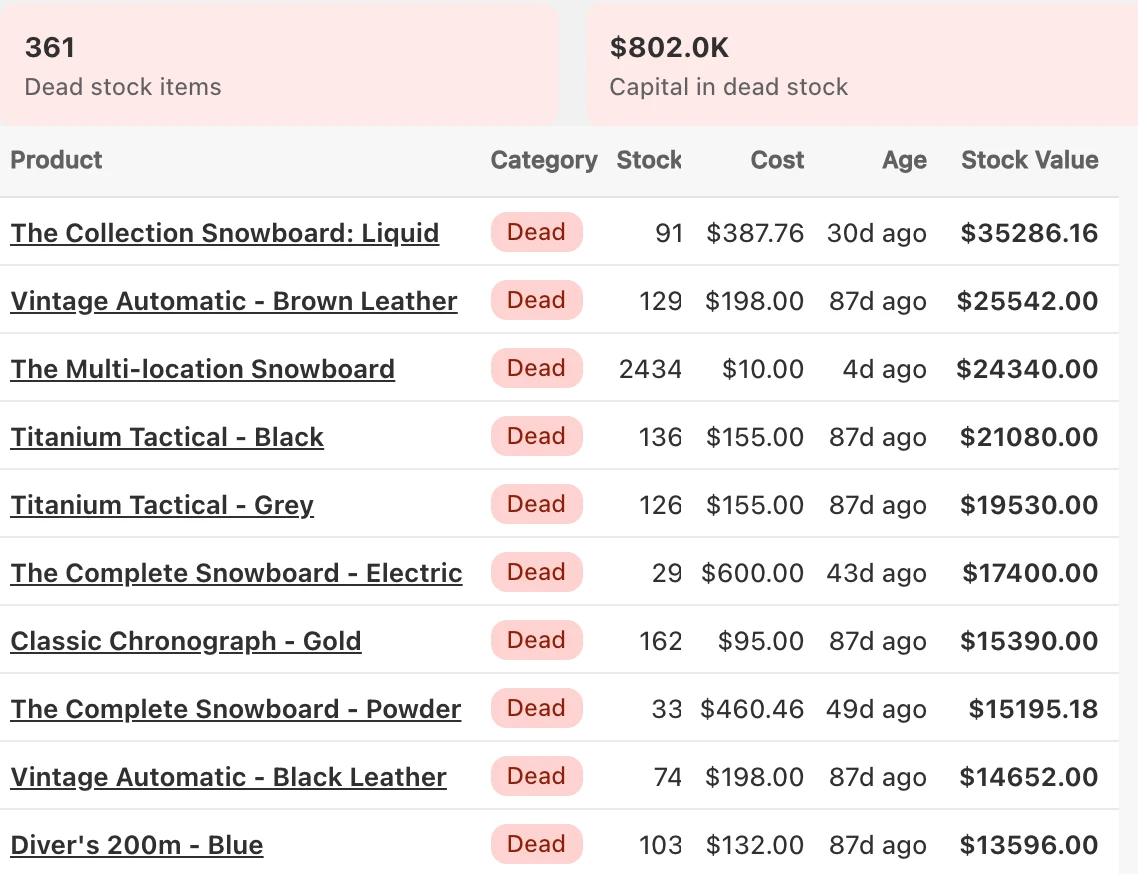
Know what to reorder
See what’s out or running low. Order it from the same screen.
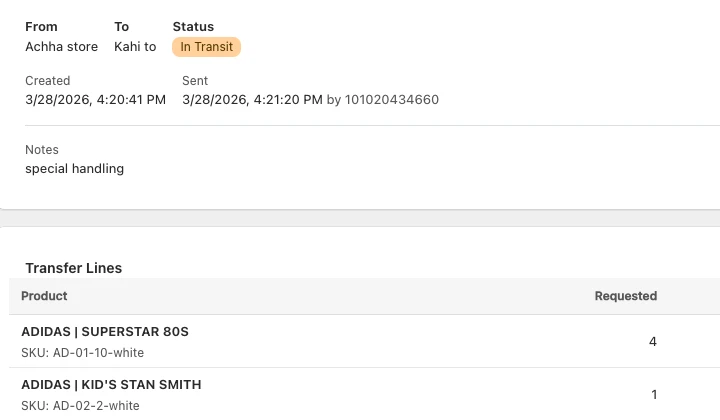
Move stock between stores
Send stock from one location to another. Check it in at the other end.
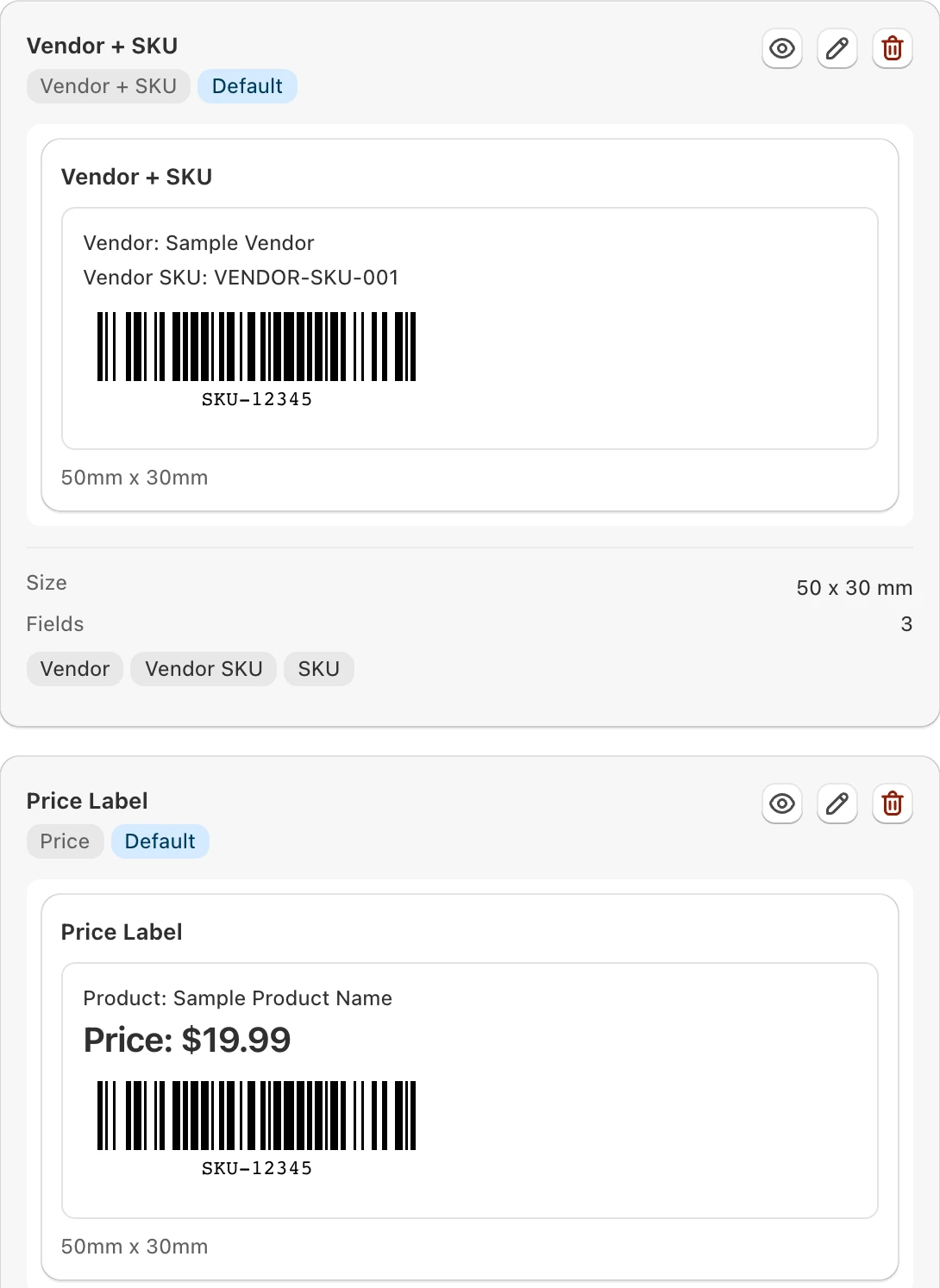

Works with QuickBooks
Each delivery you receive becomes a bill in QuickBooks.
Stays in Shopify
Your products and stock stay in Shopify. Your register sells from the right numbers.
Set up in an afternoon.
- Install GoStockFrom the Shopify App Store.
- Your products come inFrom Shopify, by themselves. A few minutes for most stores.
- Make your first orderAdd your suppliers. Or book a free call and we’ll do it with you.
“Building and receiving purchase orders is simple and intuitive, and the QuickBooks integration has made our purchasing and accounting workflow much easier. The team is always kind, responsive, and willing to help.”
Used Stocky?
Stocky is gone. GoStock does the same jobs.
Your products and stock come in from Shopify automatically. We’ll help you set up the rest.
$29 a month.
Every feature. $10 more for each extra location.
Stuck? Ask us.
Chat in the app
Our assistant answers straight away and passes you to the team when you need a person.
gostock@linktoany.com. The people who build GoStock reply.
Book a call
A free 30-minute call. Pick a time.
Questions
Do I need a barcode scanner?
No. You can type quantities. Any USB or Bluetooth scanner works if you have one.
Does it work with Shopify POS?
Yes. Stock you receive, count or move updates Shopify, so your register sells from the right numbers.
Which label printers work?
Zebra label printers.
Does it work with QuickBooks?
Yes. QuickBooks Online gets a bill for each delivery you receive. QuickBooks Desktop works through our connector app.
Is there a limit on products?
No.
I have more than one store. What does it cost?
$29 a month for the first location, plus $10 for each extra one.
How do I start?
Install from the Shopify App Store. It’s free for 14 days.